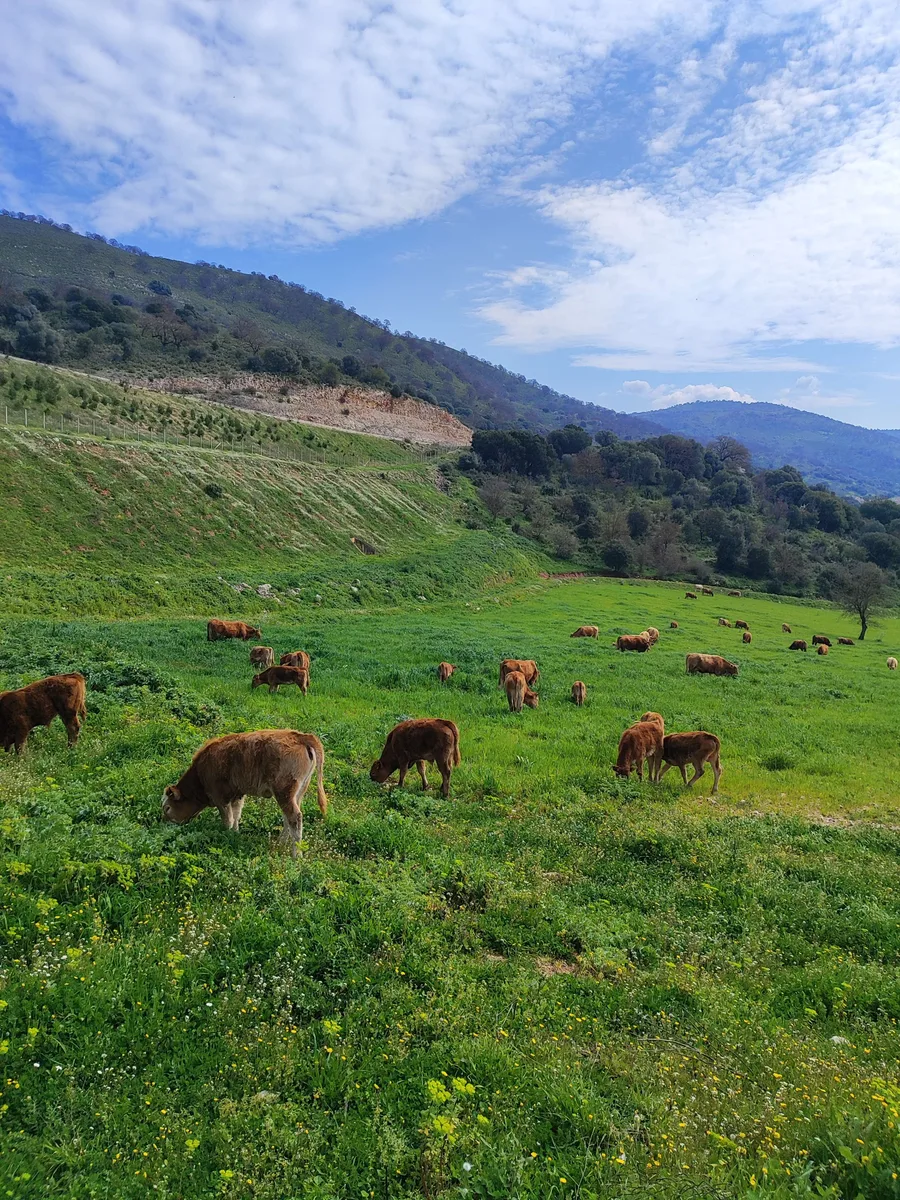
Begin with a small step
You do not need to enter every farm detail on your first day with a new app. Start by following one workflow from beginning to end: find an animal, open its record and return to an entry.
This helps you see whether the screen makes sense and whether you can find what you need. The interactive demo lets you try that workflow with fictional data, without creating an account.
Open the animal’s record
The ear tag identifies the animal. Search the herd list and check that you have opened the right record before continuing. Its details and history come together there.
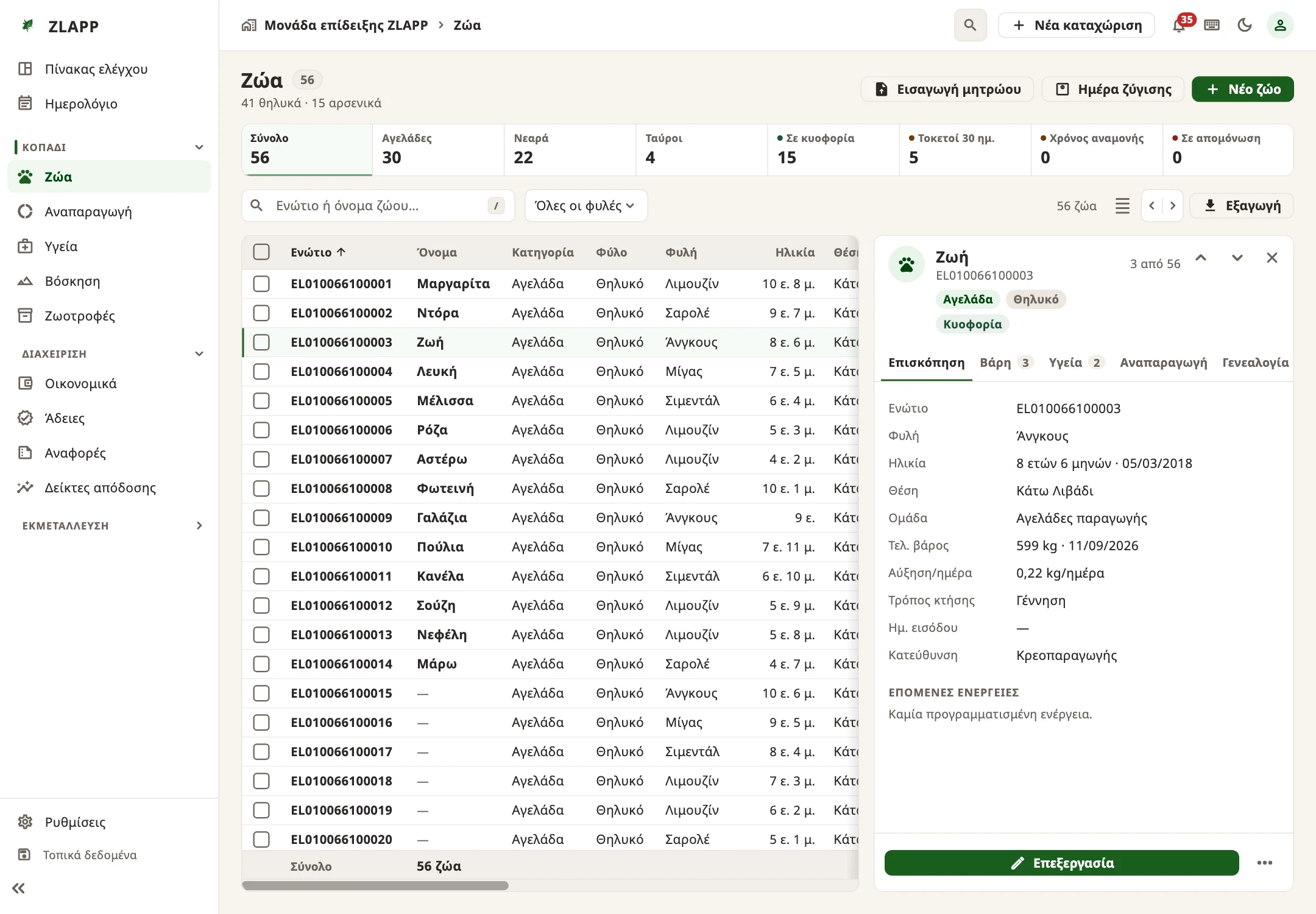
When you start with your own farm, check the information you enter so that the first entry belongs to the right animal. The product page shows the actual development screens.
Complete the recording loop
In the demo, you add an example weight. The next step matters just as much: you see the entry in the history and know where to find it again.
- Choose an animal from the list.
- Open its record.
- Add a weight to the example.
- See the result in the history.
Demo data is not saved to the app. Reloading the page starts the example again.
Continue with your own farm
Once the workflow feels familiar, you can begin with your own information. See the device options for ways to open ZLAPP on your phone or computer.
If a step is confusing, keep the question that came up and send it to the team. A specific observation from a first attempt helps us make the next one easier.
See how a record works.
Try the demo →