Step 01 / 03
Your own farm
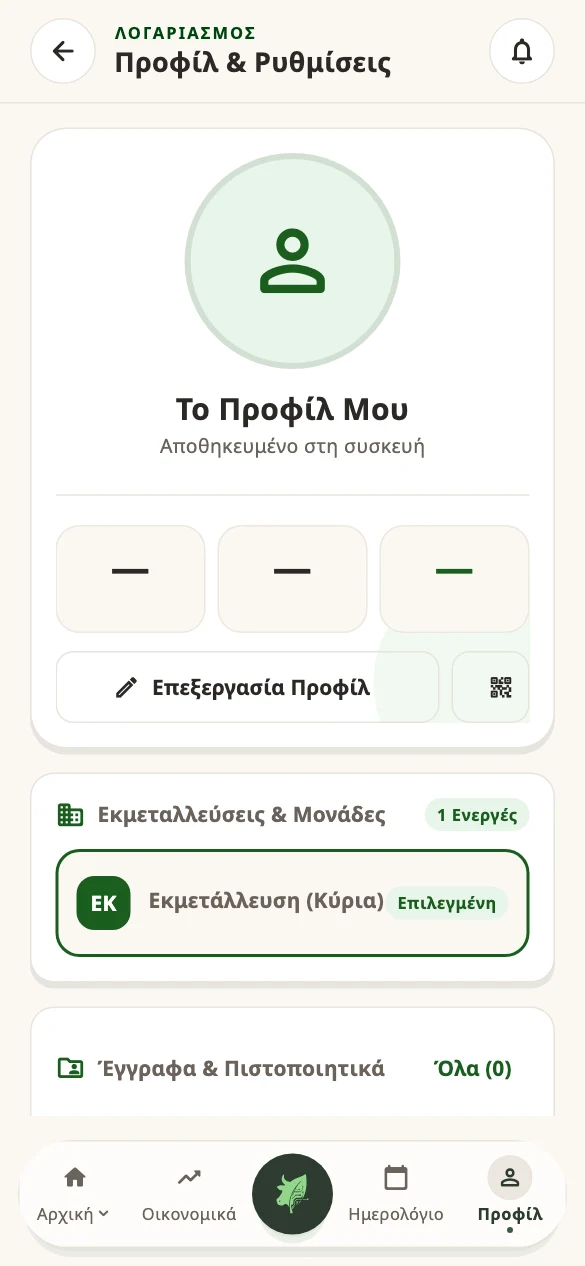
Create an account with your name, email and password. Verify your email if prompted. Then name your farm and check that it is the active farm.
Use the same account on your second device.
Start with a few real details. See how it fits your daily work, then continue with the rest of your herd.
The app opens in a new tab so you can keep this guide nearby.Pilot version · Free for up to 25 animals per farm · No card required
Create an account with your name, email and password. Verify your email if prompted. Then name your farm and check that it is the active farm.
Use the same account on your second device.
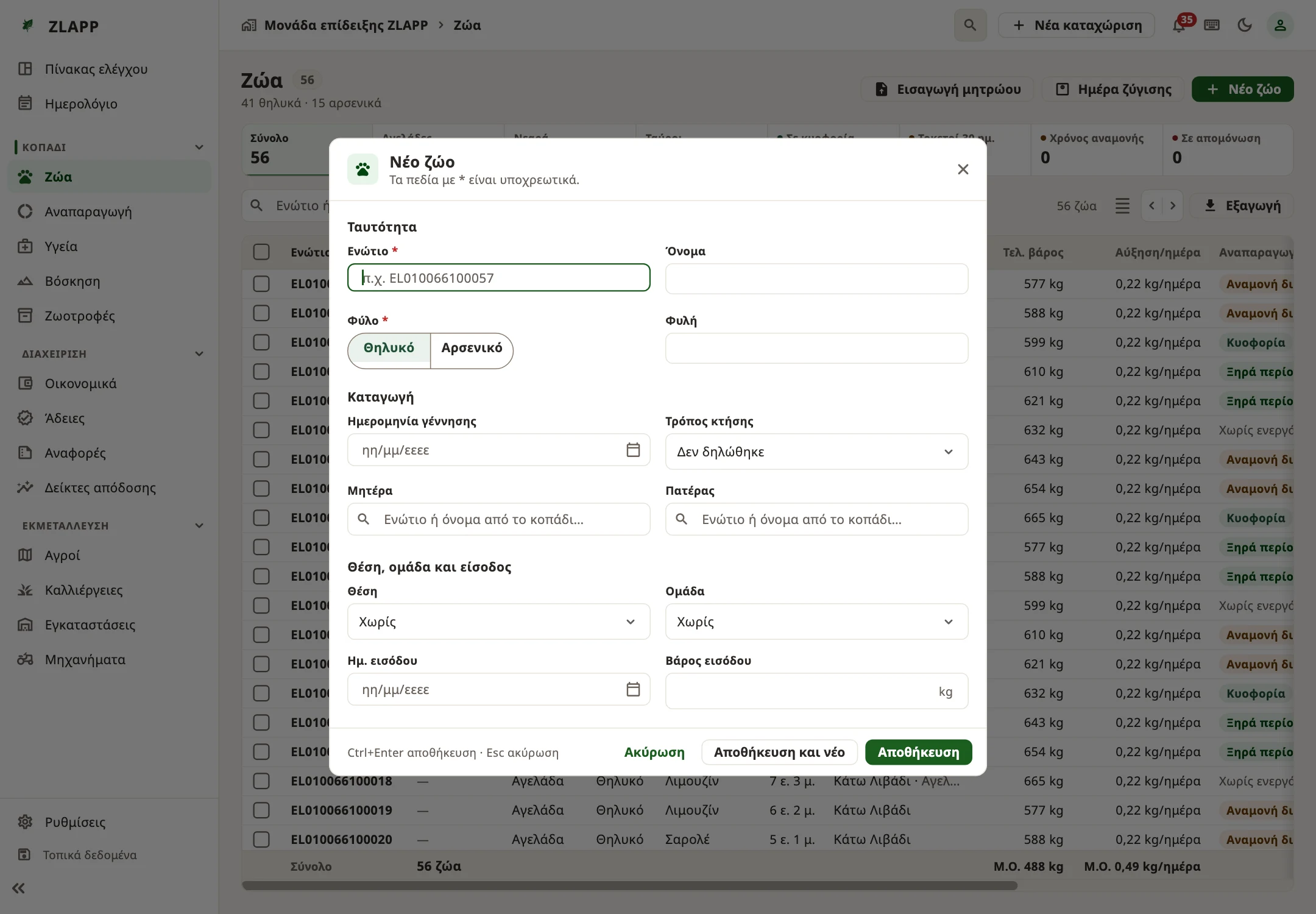
Open Herd — “Animals” on desktop — and add your first animal. Check the ear tag, enter the details you know and save. Find the animal in the list.
Cattle owners can also import the official Greek registry PDF.
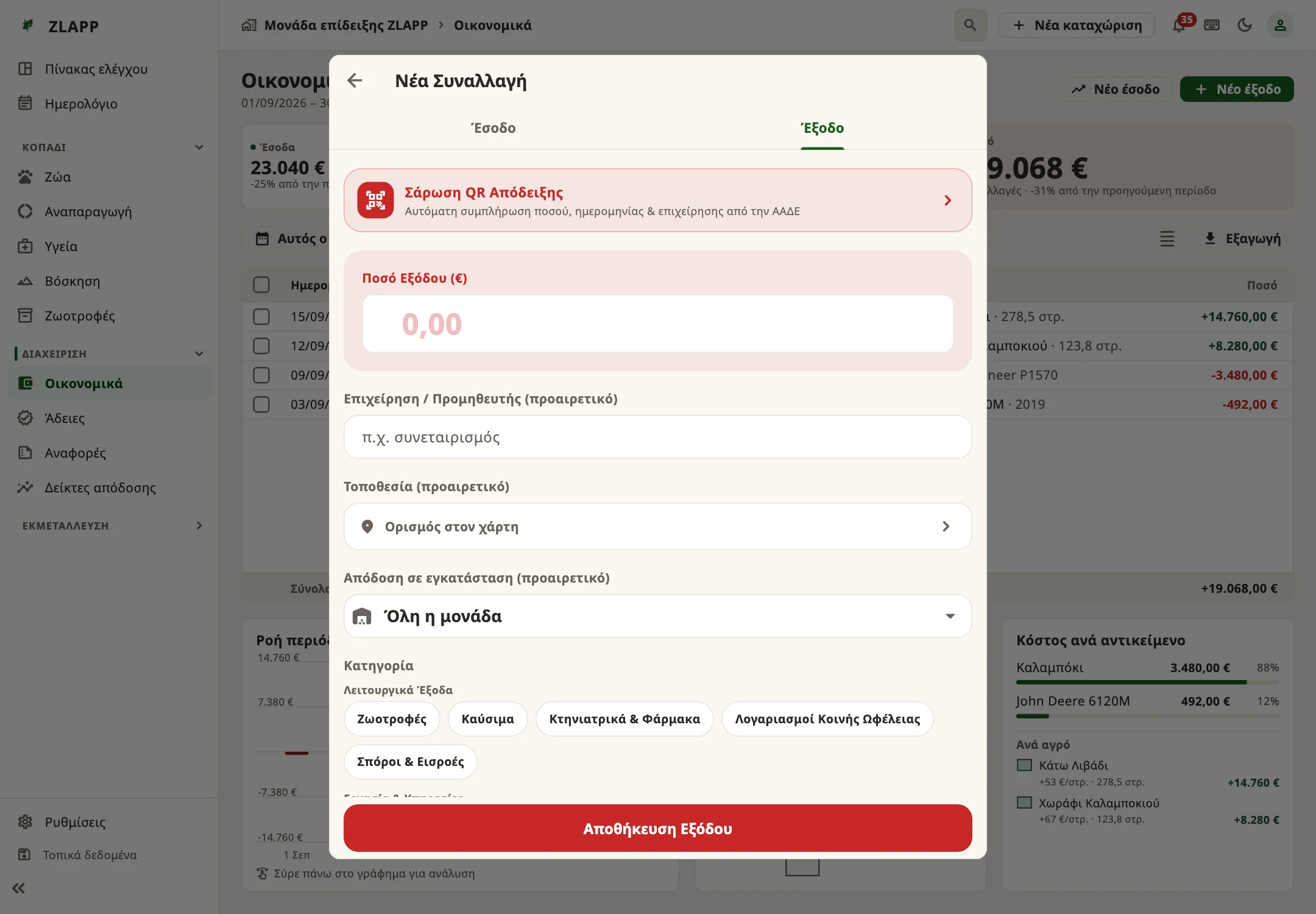
In Finances, add a real farm expense. Enter the amount, category and date. After saving, check that it appears in the correct period.
Cannot see the entry? Check your active farm, period and filters.
Tell us a little about your farm and where you need help.