Panagiotis Christopoulos
Engineering
Builds the application. Database, sync, the reproduction wheel, and the store releases.
ZLAPP did not start from market research. It started from a notebook that had run out of room, on a working Greek cattle farm.
An animal needs attention. A task needs doing. An expense needs recording. The question that brought us here is simple: how do we keep these things together, so they are there when we need them?
We bring farming experience and software development together. ZLAPP is still in pilot development, and conversations with the people trying it are part of our work.
Panagiotis · Evangelos · CharalamposThe ZLAPP team
Join the conversationEngineering
Builds the application. Database, sync, the reproduction wheel, and the store releases.
Livestock
A cattle farmer. Makes sure what we ship survives contact with a real farm — the right terminology and the right priorities at six in the morning.
Company
Everything that is not code: the company, veterinary and agronomy partnerships, funding, and the relationship with the farmers joining the pilot.
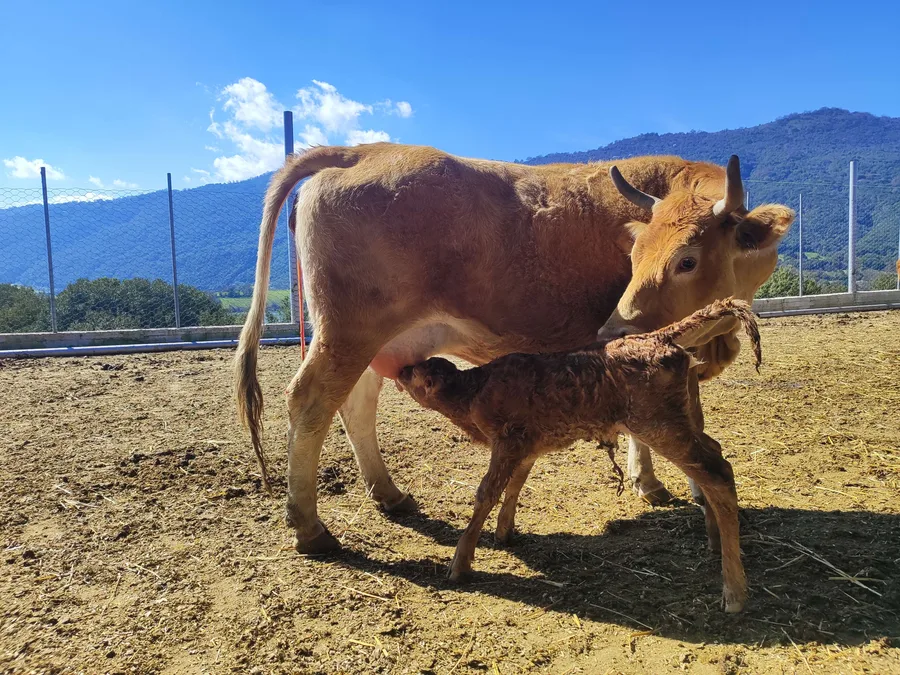
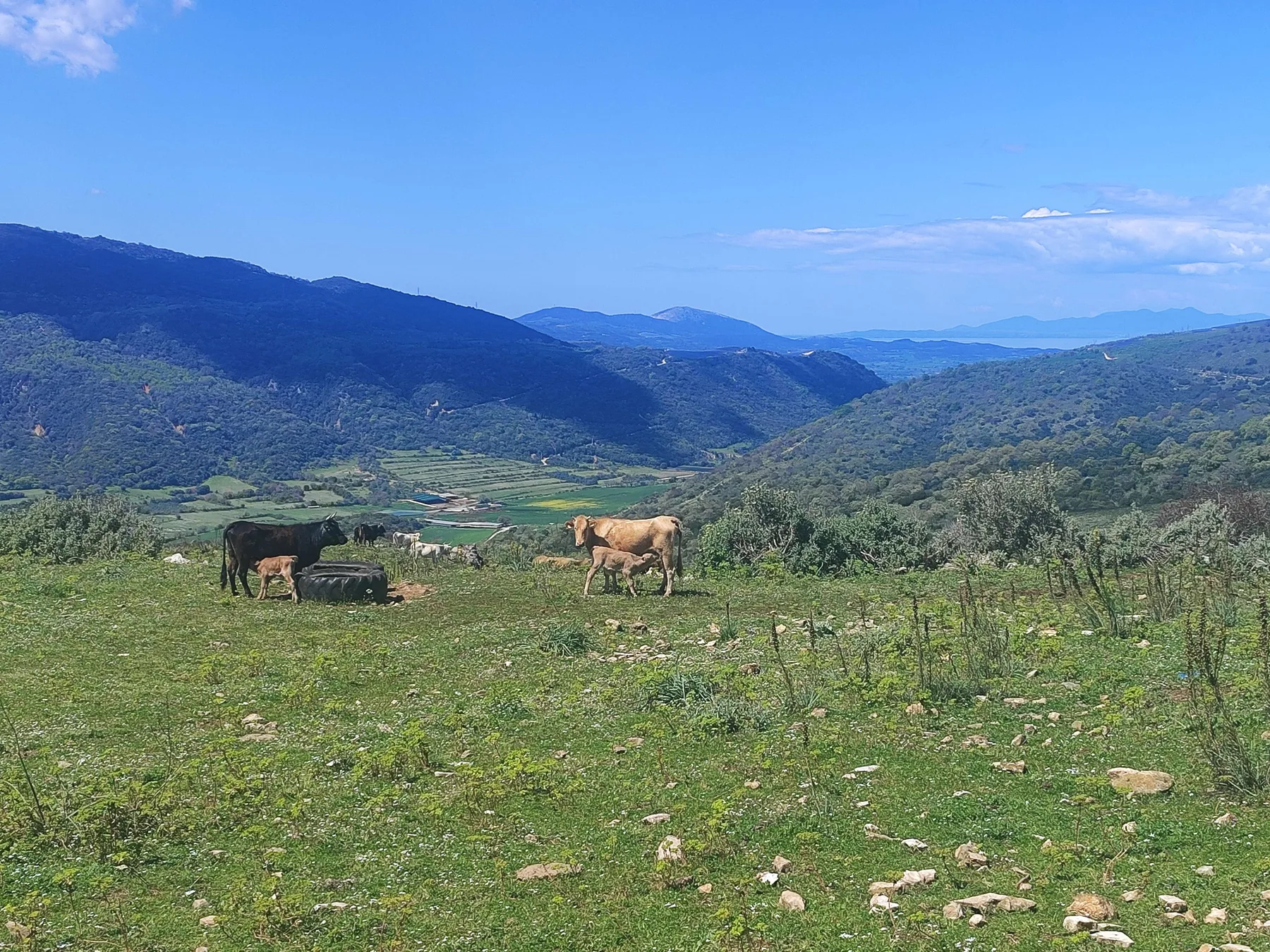
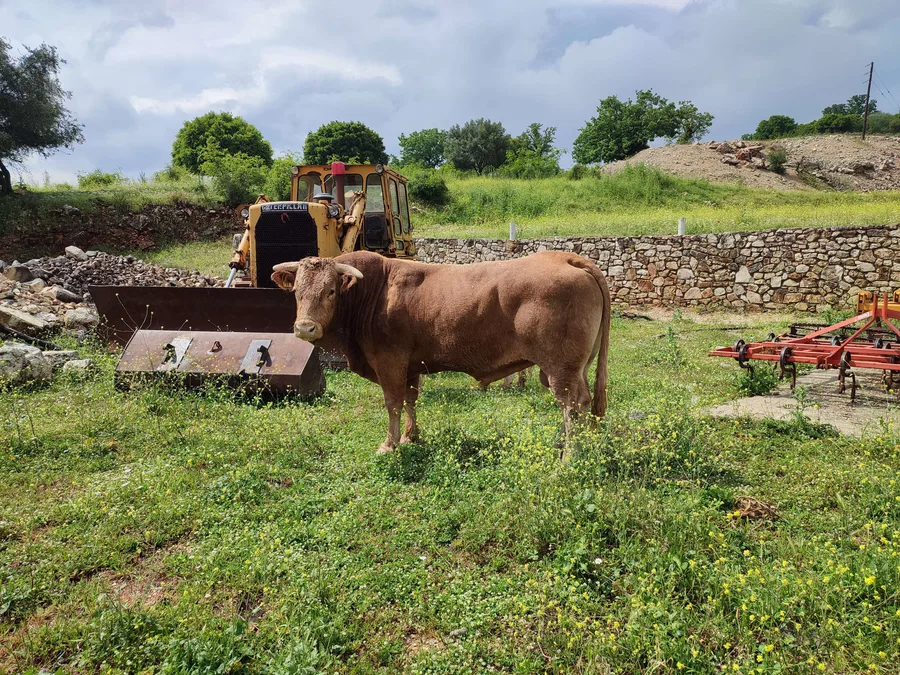
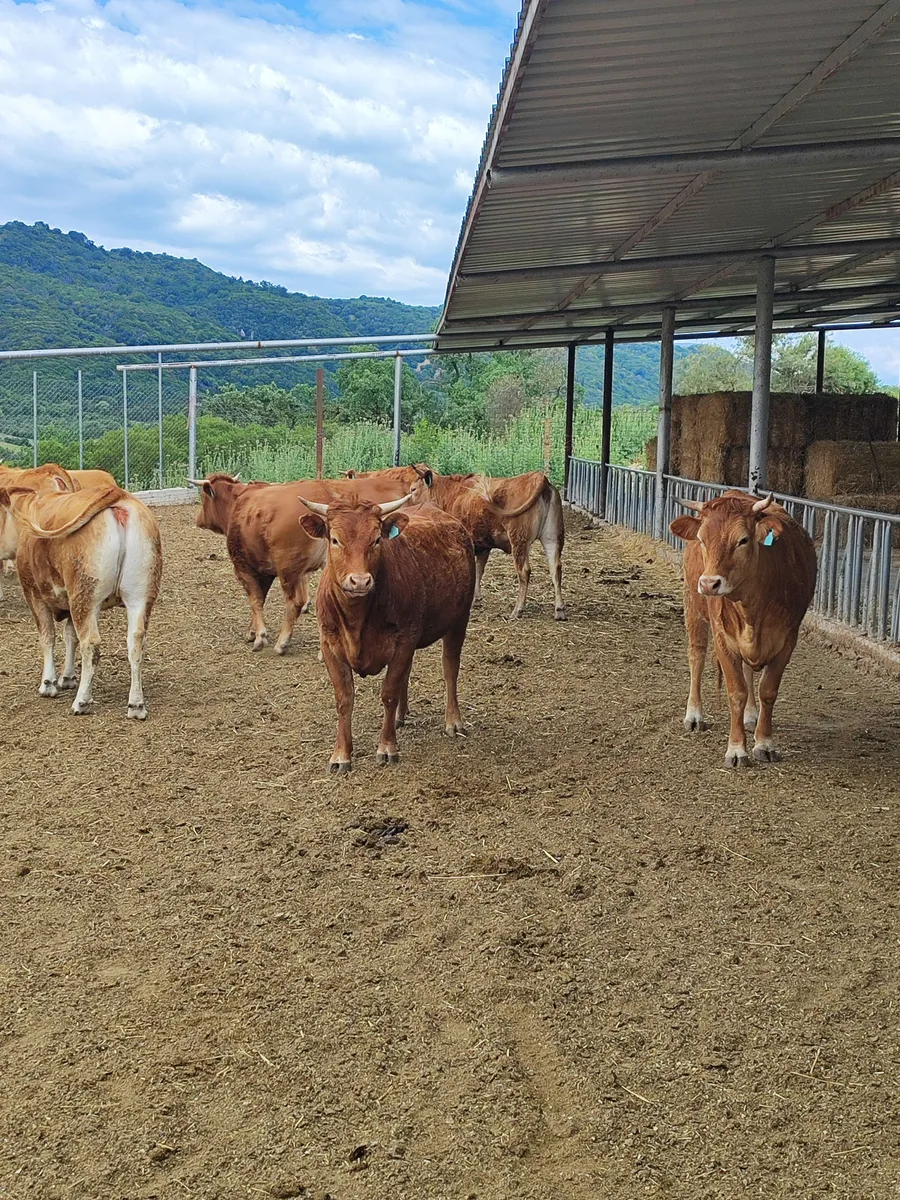
These photos come from our farm. This is where we find the questions ZLAPP needs to answer.
Explore the appThe herd, the fields and the day’s records. ZLAPP started in this daily routine.
We bring the registry, daily work and finances into one place, using the vocabulary of the people doing the work.
During the pilot, the people using ZLAPP tell us what works and what needs to change.